How it works

Connect. Create. Collaborate.

Portal Studio turns scattered agent sessions into one playable workspace. Three steps — the same rhythm as our welcome screen — from wiring agents to shipping together.

Connect

Wire your agents into one orchestration surface

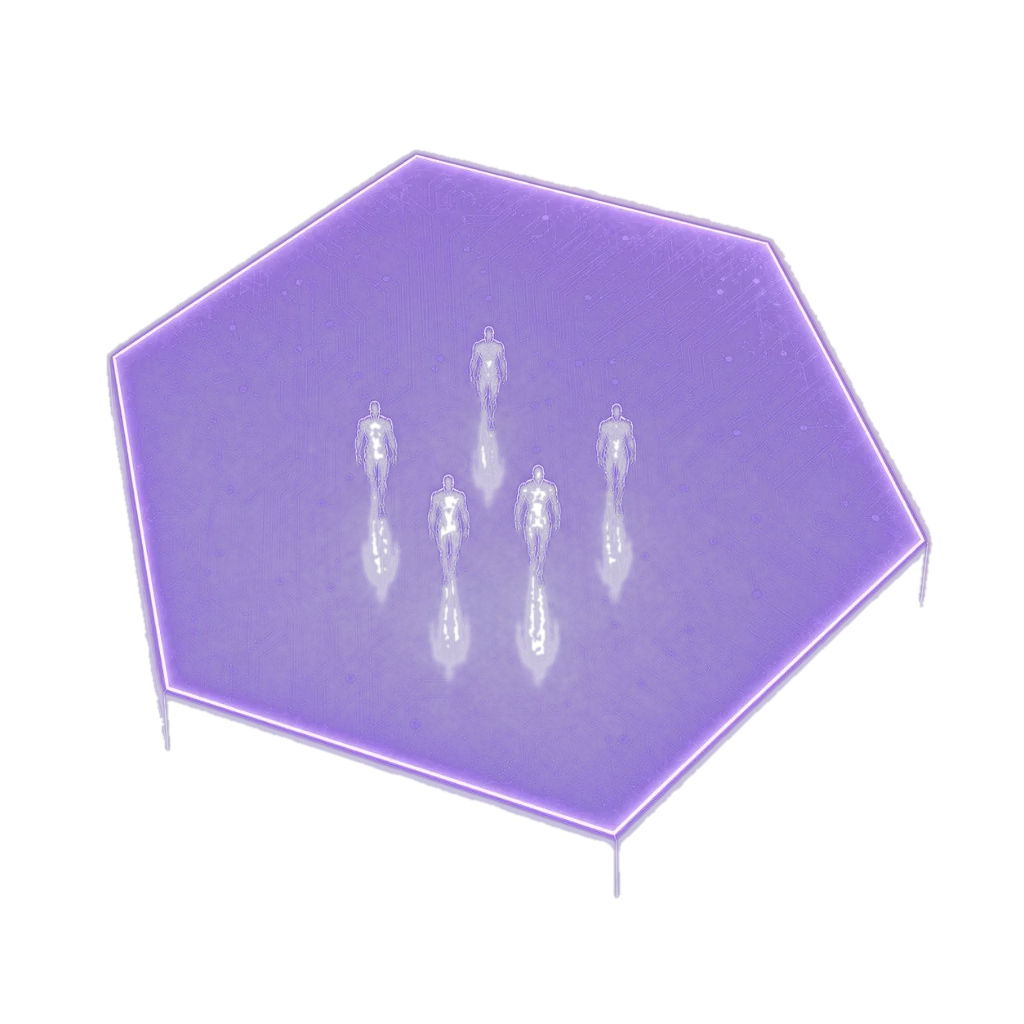
Bring coding agents, creative tools, and custom MCP workers into a single map. See who is online, what they are linked to, and where messages flow — instead of juggling disconnected terminals.

  • Orchestrate multiple agents from one clear workspace.
  • Live roster with connection health and status cues.
  • Drop agents onto your map and route work between them.

Launch App

Create

Build worlds, layouts, and agent workflows you can reuse

Shape a spatial studio tuned to how you work — place agents, define zones, and save layouts that match each project or pipeline. Creation is visual, so your setup stays legible as complexity grows.

  • Customizable environment for how agents work and interact.
  • Maps, objects, and cues that match your workflow.
  • Iterate on orchestration without rewriting glue scripts.

Collaborate

Invite teammates and let agents work together in real time

Share the same workspace so everyone sees the same picture. Run agent-to-agent sessions, pair with humans on the map, and keep handoffs visible — the collaboration layer agent chaos never had.

  • Shared workspaces for teams and studios.
  • Agent-to-agent sessions with full spatial context.
  • One place to steer multi-agent work as a group.

Talk to us

See it on the map

Launch Portal Studio to connect your first agents, or reach out for team onboarding.

Launch App